Learning Path
Git Power User
Master git in the terminal — LazyGit workflows, interactive rebase, GitHub CLI, and beautiful diffs.
5 Tutorials|Beginner to Advanced
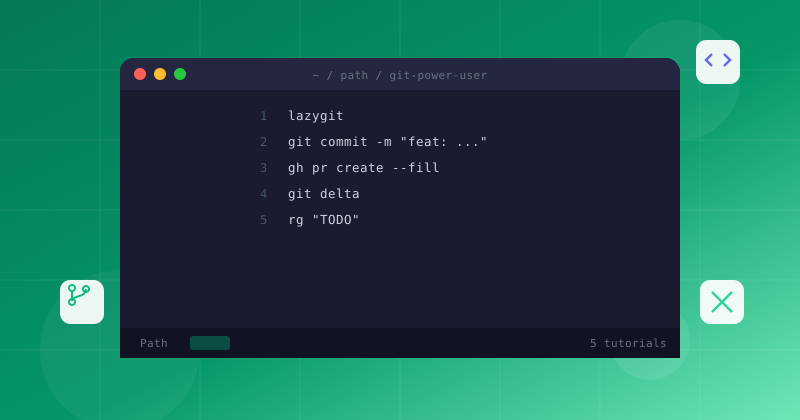
Master git in the terminal — LazyGit workflows, interactive rebase, GitHub CLI, and beautiful diffs.
Follow these 5 tutorials in order, from Beginner to advanced
Work through each tutorial sequentially for the best results
LazyGit tutorial — the fast terminal UI for git. Learn visual staging, interactive rebase, branch management, and conflict resolution with keyboard-driven workflows.

Go beyond the default LazyGit experience. Create custom commands, define your own keybindings, and build a git workflow tailored to your team's conventions.
Master interactive rebasing in LazyGit. Learn to reorder, squash, and split commits visually, then resolve merge conflicts without leaving the TUI.
Master the GitHub CLI (gh) for creating PRs, managing issues, checking Actions status, and cloning repos — all without leaving the terminal.
Replace plain text git diffs with colorful, syntax-highlighted, side-by-side diffs. Configure delta for line numbers, word-level diffs, and hyperlinks.