Learning Path
Terminal Mastery
From your first shell command to a fully customized terminal workflow with tmux, fzf, and WezTerm.
6 Tutorials|Beginner to Advanced
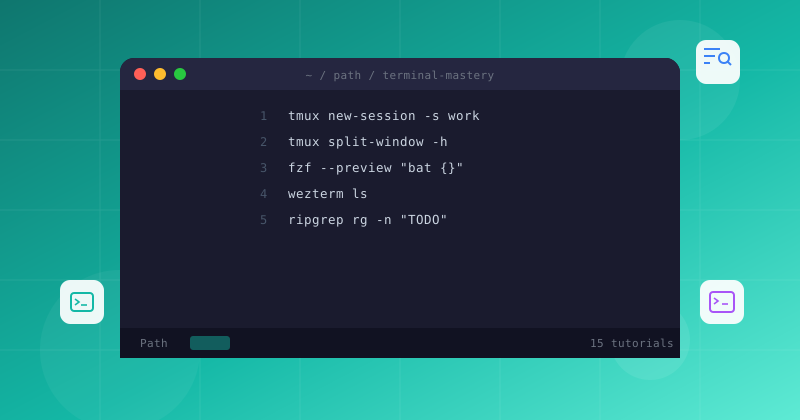
From your first shell command to a fully customized terminal workflow with tmux, fzf, and WezTerm.
Follow these 6 tutorials in order, from Beginner to advanced
Work through each tutorial sequentially for the best results
Complete tmux terminal multiplexer tutorial. Learn session management, pane splitting, custom keybindings, and tmux.conf configuration for persistent terminal workflows.

Integrate fzf fuzzy finder with ripgrep for blazing-fast codebase search. Set up shell keybindings, Ctrl+R replacement, and live-grep with preview — all in the terminal.

WezTerm configuration guide with Lua. Set up GPU-accelerated rendering, color schemes, fonts, custom keybindings, and multi-project workspace management.
Zellij terminal workspace guide — the modern alternative to tmux. Explore built-in layouts, floating panes, on-screen keybindings, and custom KDL configuration.

Replace the default green status bar with a custom powerline-style status line. Configure colors, segments, and conditional formatting with tmux format strings.

Install and configure TPM, the Tmux Plugin Manager. Add must-have plugins for persistence, navigation, and session management with a single config file.