Learning Path
Neovim Setup
Turn Neovim into a full IDE — lazy.nvim, LSP, Treesitter, snippets, and a complete Lua config.
6 Tutorials|Intermediate to Advanced
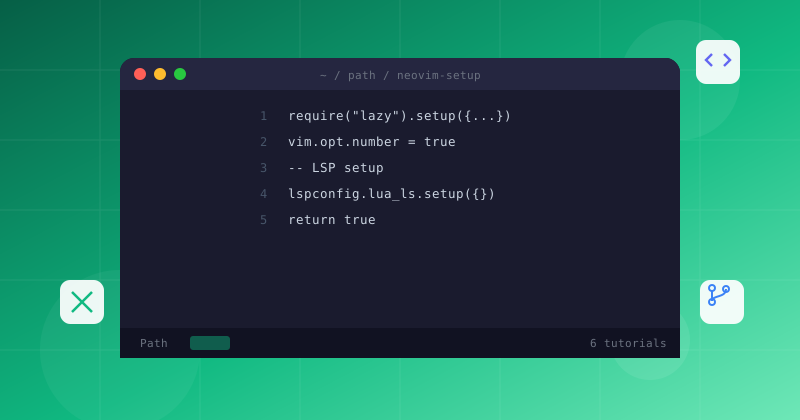
Turn Neovim into a full IDE — lazy.nvim, LSP, Treesitter, snippets, and a complete Lua config.
Follow these 6 tutorials in order, from Intermediate to advanced
Work through each tutorial sequentially for the best results
Complete Neovim Lua configuration tutorial for 2026. Set up lazy.nvim plugin manager, LSP completion, Telescope fuzzy finder, and keymaps — with every line explained.
Neovim LSP setup tutorial with mason.nvim and nvim-cmp. Configure autocomplete, diagnostics, go-to-definition, code actions, and format-on-save for a full IDE in terminal.
Discover the 15 must-have Neovim plugins for 2026. From telescope.nvim to nvim-cmp, mason.nvim, and lazy.nvim. Build a complete IDE replacement with pure Lua configuration.
Replace regex-based highlighting with Treesitter's incremental parsing. Set up smart code folding, structural text objects, and context-aware navigation.
Set up LuaSnip with VSCode-style snippets, configure autopairs for smart bracket matching, and create your own snippet library with dynamic placeholders.

Set breakpoints, step through code, and inspect variables directly in Neovim using nvim-dap and a language debugger for a full IDE experience.