Learning Path
Raycast Productivity
Replace 5 tools with Raycast — script commands, extensions, AI commands, and clipboard management.
4 Tutorials|Beginner to Intermediate
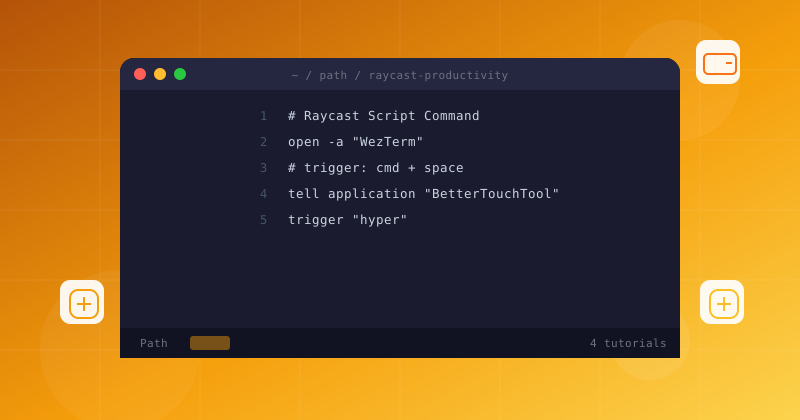
Replace 5 tools with Raycast — script commands, extensions, AI commands, and clipboard management.
Follow these 4 tutorials in order, from Beginner to advanced
Work through each tutorial sequentially for the best results
Raycast script commands let you run bash, Python, and Node.js scripts from the macOS launcher. Build five practical automations — from WiFi tools to project bootstraps.
Raycast extension development tutorial. Build a TypeScript and React extension from scratch — API integration, custom list UI, actions, and publishing to the Raycast store.
Create AI-powered commands that transform selected text, build quicklinks for instant URL launches, and chain commands for complex automations.
Master Raycast's built-in clipboard manager and snippets. Search years of copy history, create smart snippets with dynamic placeholders, and paste with fuzzy search.